Built-in backup check
- You need
- Nothing extra. Most devices include one.
- If the backup is bad
- It tells you and leaves the wallet untouched. Safe to run any time.
A backup you have never restored is a guess. Here is how to prove it works, including which method to use when you only own one device and it already holds funds.
Writing down twelve or twenty-four words feels like the hard part is over. It is not. Until you have restored from those words and watched the correct wallet reappear, you do not have a backup — you have a hypothesis, and the test will otherwise be run for you at the worst possible time.
The good news is that this is a genuinely finishable task, usually under half an hour. The bad news is that the obvious way to do it — wipe the device and type the words back in — is also the one way to turn a bad backup into an immediate, permanent loss. So the first decision is which method you use.
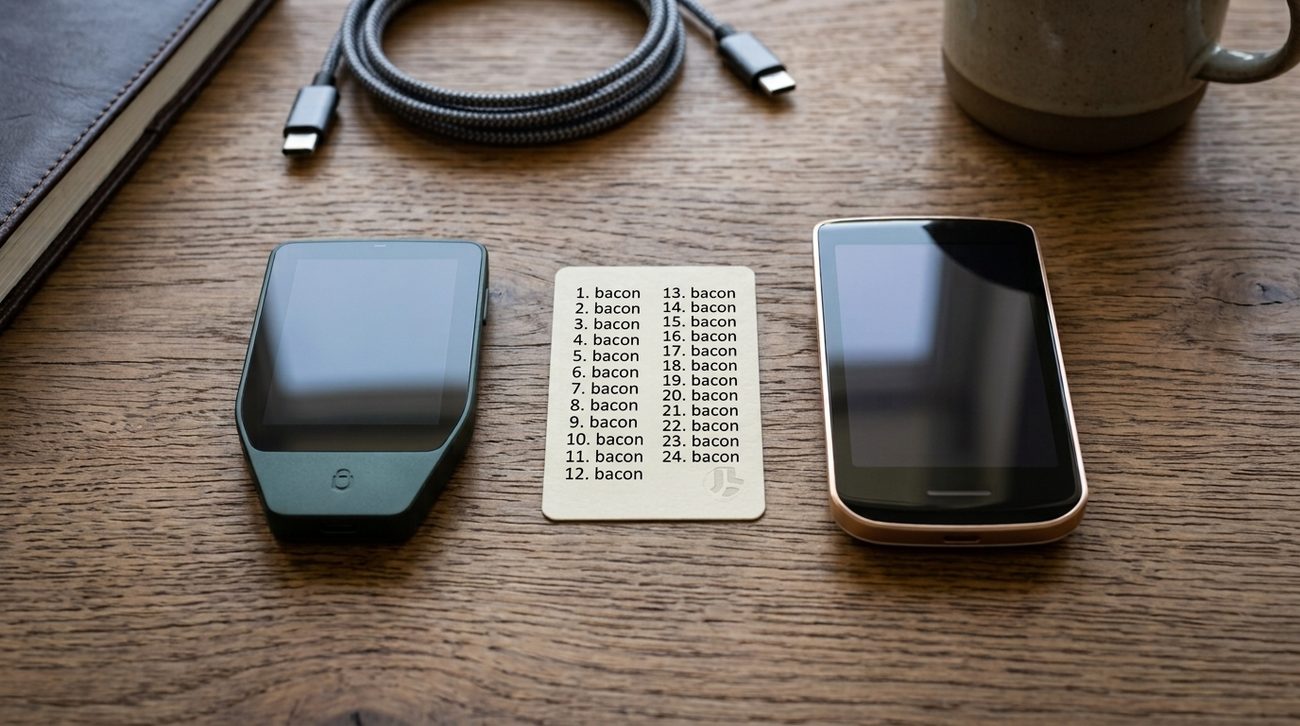
All three prove the same thing. They differ entirely in what happens if the backup turns out to be wrong.
If your device has a built-in check, use it. That covers most people, most of the time, and it is the only method with no downside.
Most signing devices include a function that lets you type your recovery words back in and tells you whether they match the key already stored on the device. Nothing is overwritten and nothing leaves the device — it is comparing, not restoring.
The feature goes by different names. Trezor calls it a backup check, Ledger ships it as a recovery check application, and other makers use wording like verify seed or check backup. If you cannot find it, search your device maker's documentation for those phrases before assuming it is absent.
Note what this does and does not prove. It confirms your written words match this device's key. It does not confirm you can rebuild the wallet somewhere else — for that you want method two, at least once, before the amount gets serious.
This is the real thing: a full rehearsal of what you would actually do if the first device were lost, stolen, or dead. It needs a spare device, which is the only reason it is not the default advice.
A second-hand or older device is fine for this. It does not need to be the same brand as your original, as long as it supports the same standard and the same address type. If it is a different brand, an address-type mismatch is the most likely reason for a result that looks wrong but is not — again, see below.
"It seemed to work" is not a result. You are looking for a specific value to match, and you need to have written it down before you started so you are not comparing against a memory.
The fingerprint is the best of the three because it is short enough to compare reliably and specific enough that a match is conclusive. Most wallet software displays it in the wallet's settings or information panel; most hardware devices can show it on screen.
Half of failed recovery tests are people trying to remember what the address was supposed to look like. Write the fingerprint or first address on paper before you begin, separately from the recovery words themselves.
Do not panic, and do not wipe anything. A mismatch usually means the test was set up differently from the original wallet, not that your backup is worthless. Work through these in order.
Those last two are worth weighing correctly, because the folklore runs the other way. The checksum is a real error detector: change any word and the check bits at the end have to match by coincidence, which happens about one time in sixteen for a twelve-word phrase and one in 256 for twenty-four. So if your wallet accepted the phrase, a transcription mistake is one of the less likely explanations on this list — and the causes above it, which no checksum can see, are the more likely ones.
If you work through all of that and it still does not match, treat the backup as unreliable. The correct response is not to keep trying — it is to generate a brand-new wallet on a device you trust, back that one up carefully, test it, and then move the funds across while you still can. You have caught the problem at the only moment when it is fixable.
If you use a BIP39 passphrase, your words alone do not lead to your wallet. They lead to a different one. The passphrase is not a password on top of the seed — it selects an entirely separate wallet from the same words.
That has two consequences for this drill — and passphrases have a guide of their own. The test must include the passphrase, typed exactly, or it proves nothing about the wallet you actually use. And the passphrase itself needs the same durability as the words: recorded somewhere it will survive you forgetting it, and stored separately from the seed card so that finding one does not hand over both.
This is not a one-time ceremony. Anything that changes the setup invalidates the previous result.
For a multisig wallet the drill is larger and the failure mode is different: you must also back up the wallet configuration, and rehearse recovery using only the threshold number of keys. Keys alone will not rebuild a multisig, and discovering that during a real recovery is the worst version of this lesson.
If you arrived here without a wallet yet, Start Here puts this recovery drill after backup and before receiving bitcoin. It is the step that turns the backup from an intention into something you have actually checked.