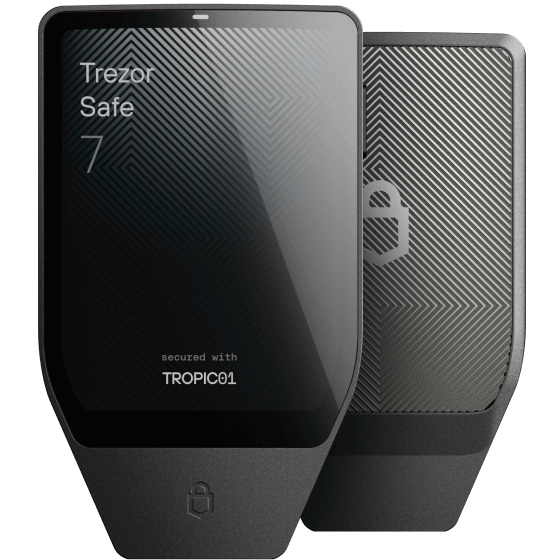
Trezor Safe 7
Premium touchscreen signer with a dedicated Bitcoin-only firmware edition, open-source security, and encrypted Bluetooth.
Read detailsCompare the security model, transaction-review experience, backup method, connectivity, and learning curve—not just a feature count.
This is not a winner-takes-all ranking. Each device represents a different balance of transparency, convenience, connectivity, and operator skill.
Premium touchscreen signer with a dedicated Bitcoin-only firmware edition, open-source security, and encrypted Bluetooth.
Read details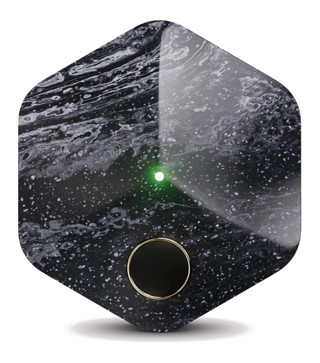
Block's Bitcoin-only hardware key, phone app, and server key working together as a 2-of-3 multisig—no single point of failure, with company-assisted recovery.
Read details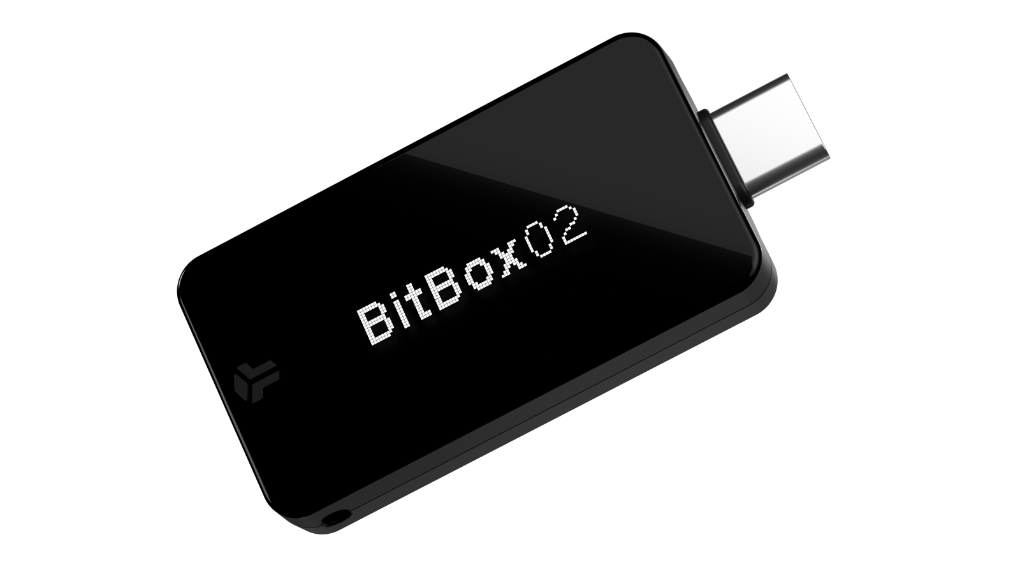
Compact Swiss-made signer with a secure dual-chip architecture, open-source firmware, touch controls, and microSD backup.
Read details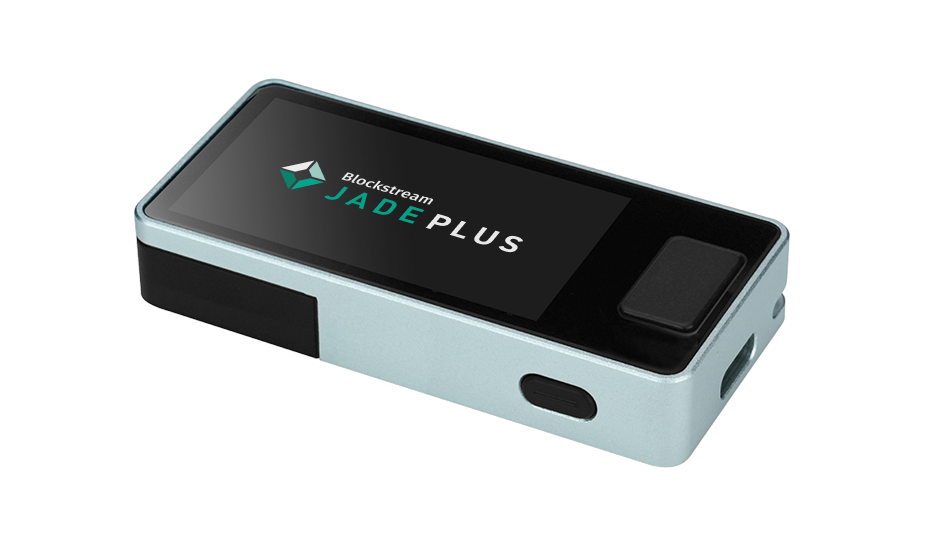
Open-source Bitcoin signer with camera-based QR workflows, USB-C, Bluetooth, SD card support, and a larger display.
Read details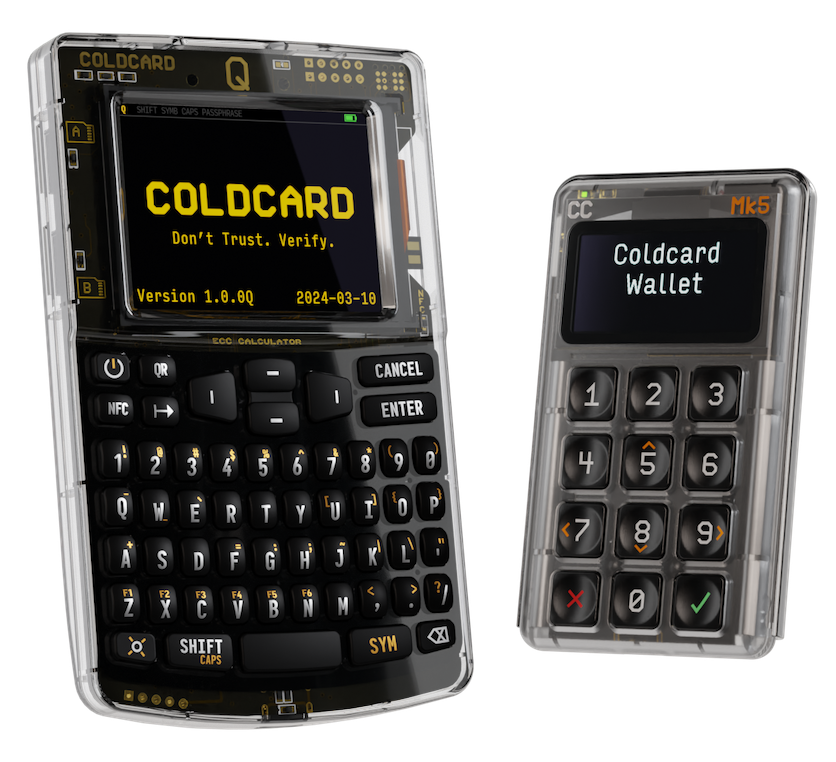
Bitcoin-only signers built for air-gapped, beginner-to-advanced workflows, with dual secure elements and strong transaction-policy features.
Read details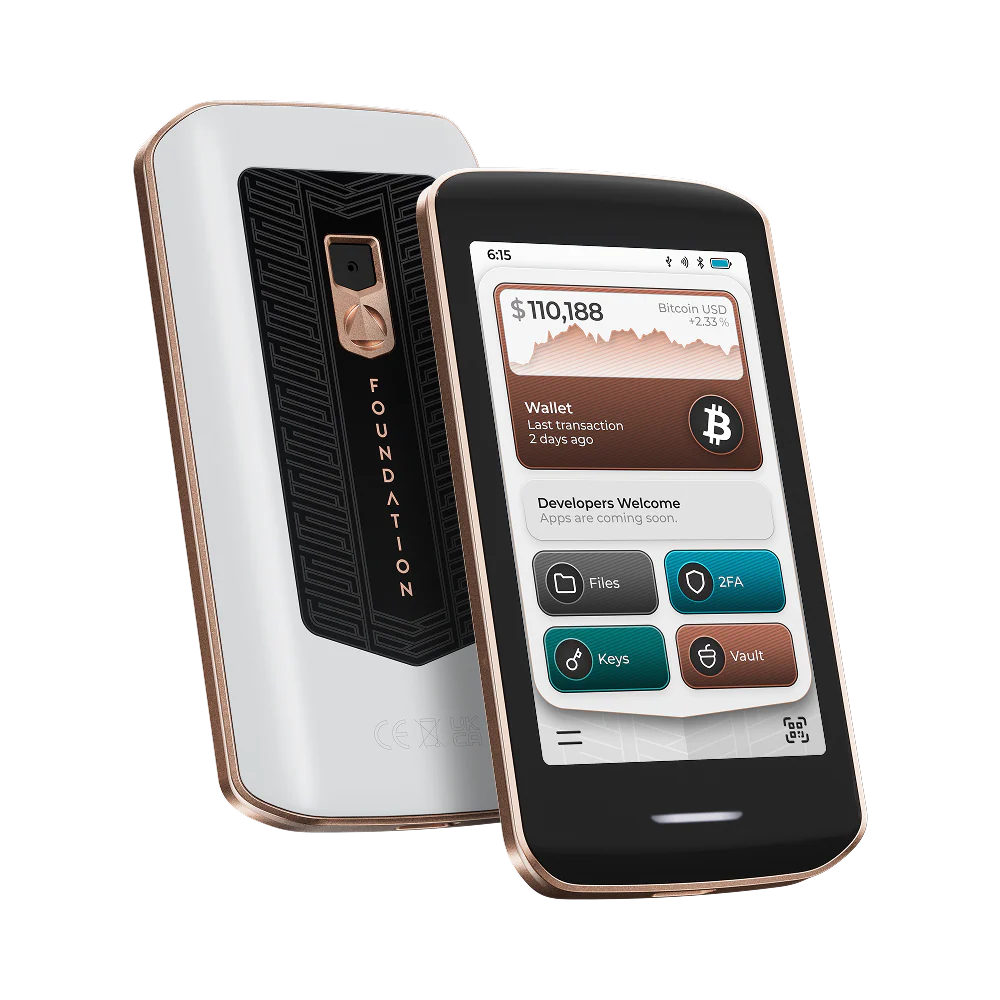
Open-source signer with a camera for QR air-gap, secure element, and NFC backup Keycards—now a multi-purpose device covering Bitcoin, 2FA, and security keys.
Read details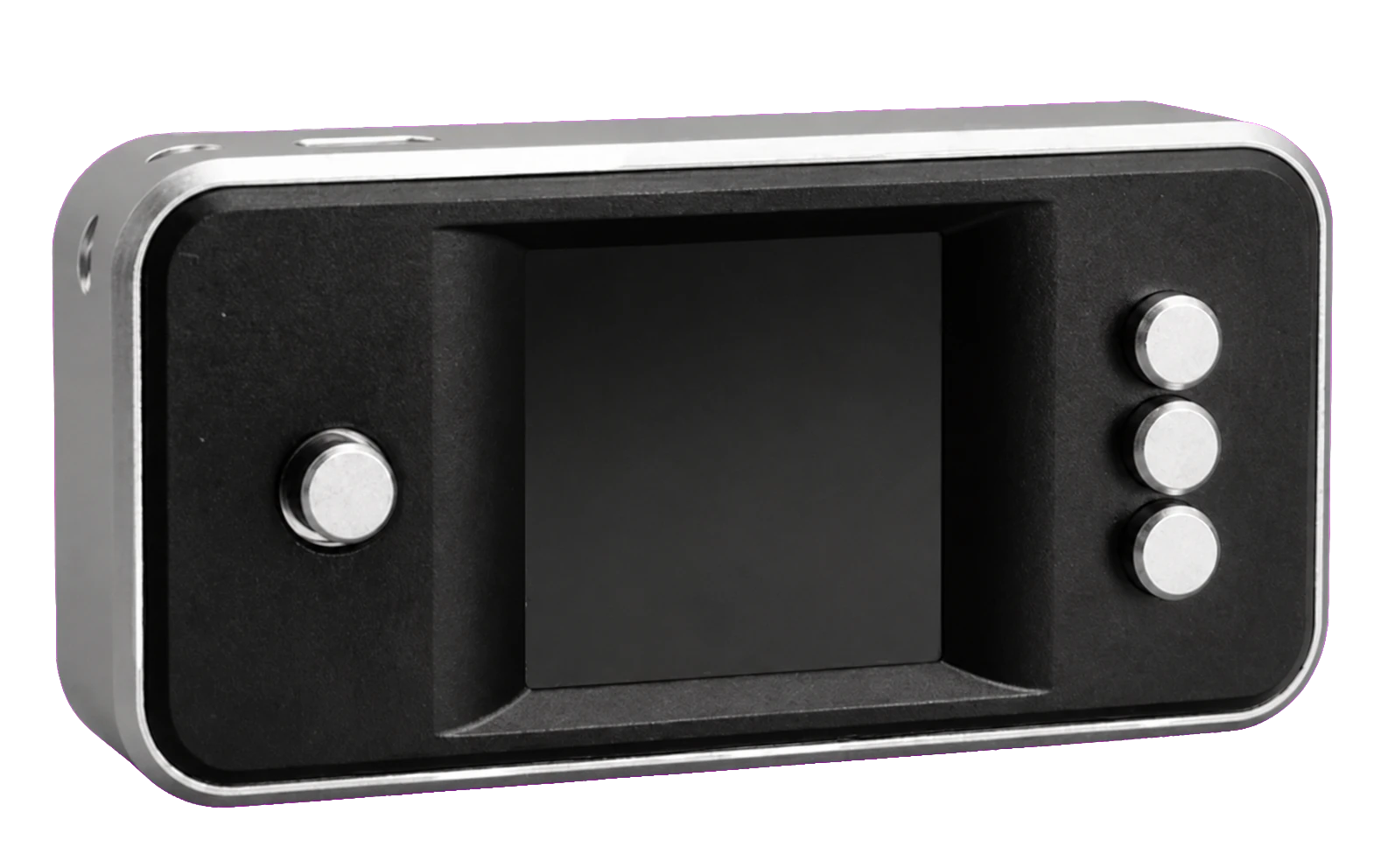
Open-source, Bitcoin-only firmware you build from an off-the-shelf Raspberry Pi Zero, camera, and screen, using QR codes for fully air-gapped, stateless signing.
Read detailsUse the checks as a map, not a score. A feature is valuable only when it fits the way you intend to set up, sign, and recover.
| Feature | Trezor Safe 7 | Bitkey | BitBox02 | Blockstream Jade Plus |
COLDCARD Q / Mk5 |
Foundation Passport |
SeedSigner | Krux | Ledger |
|---|---|---|---|---|---|---|---|---|---|
| Security and auditability | |||||||||
| Publicly reviewable firmware | ✓ | ◐MIT plus Commons Clause | ✓Deterministic builds | ✓ | ✓Reproducible builds | ✓ | ✓ | ✓No third-party audit yet | ◐Element OS is closed |
| Dedicated key-isolation chip | ✓TROPIC01, auditable; EAL6+ Optiga alongside | —Secure MCU; 2-of-3 multisig | ✓EAL6+ secure chip | ◐Virtual secure element | ✓Two, different vendors | ✓ | —Stateless design instead | —Encrypted storage instead | ✓EAL5+ / EAL6+ |
| Bitcoin only firmware | ◐Separate firmware edition | ✓ | ◐Separate edition, locked at factory | ◐Plus Liquid | ✓ | —Multi-purpose | ✓ | ✓ | —Multi-asset only |
| Transaction review on device | ✓ | ✓ | ✓ | ✓ | ✓ | ✓ | ✓ | ✓ | ✓ |
| Air gap and connectivity | |||||||||
| Fully air-gapped signing path | —USB or Bluetooth only | —Phone app plus NFC | —USB, or BLE on Nova | ✓QR, SD, USB drive | ✓QR on Q; microSD both | ✓ | ✓QR only | ✓QR or SD card | —USB or Bluetooth only |
| Camera-based QR signing | — | — | — | ✓ | ◐Q only | ✓ | ✓ | ✓ | — |
| Removable media for signing | — | — | —Backup only | ✓SD or USB drive | ✓microSD | —No microSD on Prime | —QR only | ✓SD card | — |
| USB data connection | ✓ | —Charging only | ✓ | ✓ | ◐Off by default | ✓ | —Power only | —Power and flashing | ✓ |
| Bluetooth | ✓Can be disabled | — | ◐Nova only | ✓ | — | ✓QuantumLink | —No radios at all | — | ◐Not Nano S Plus |
| NFC | — | ✓Main interface | — | — | ✓Can be disabled | ✓Backup Keycards | — | — | ◐Stax, Flex, Gen5 |
| Backup and operating model | |||||||||
| Recovery words supported | ✓Multi-share option | —No seed phrase | ✓ | ✓ | ✓Plus dice rolls | ✓Plus SeedQR | ✓Plus dice, SeedQR | ✓ | ✓ |
| Removable-media backup | —Words only | —Cloud and social | ✓microSD default | ✓SD or SeedQR | ✓Encrypted microSD | ◐Keycards, SeedQR | —Words or SeedQR | ◐Encrypted SD export | —Words only |
| Runs without storing a seed | — | — | — | ✓Stateless QR signing | ◐Temporary seed in RAM | — | ✓Core design | ✓Amnesic by default | — |
Every row was cross-checked against each manufacturer's own current documentation on August 6, 2026; where a spec varies by model, the note says which models it applies to. No device is ranked or highlighted here—the marks describe design choices, not scores. A dash does not mean a device is unsafe; it usually means the maker chose a different approach, and a feature only matters if it fits how you actually plan to set up, sign, and recover.
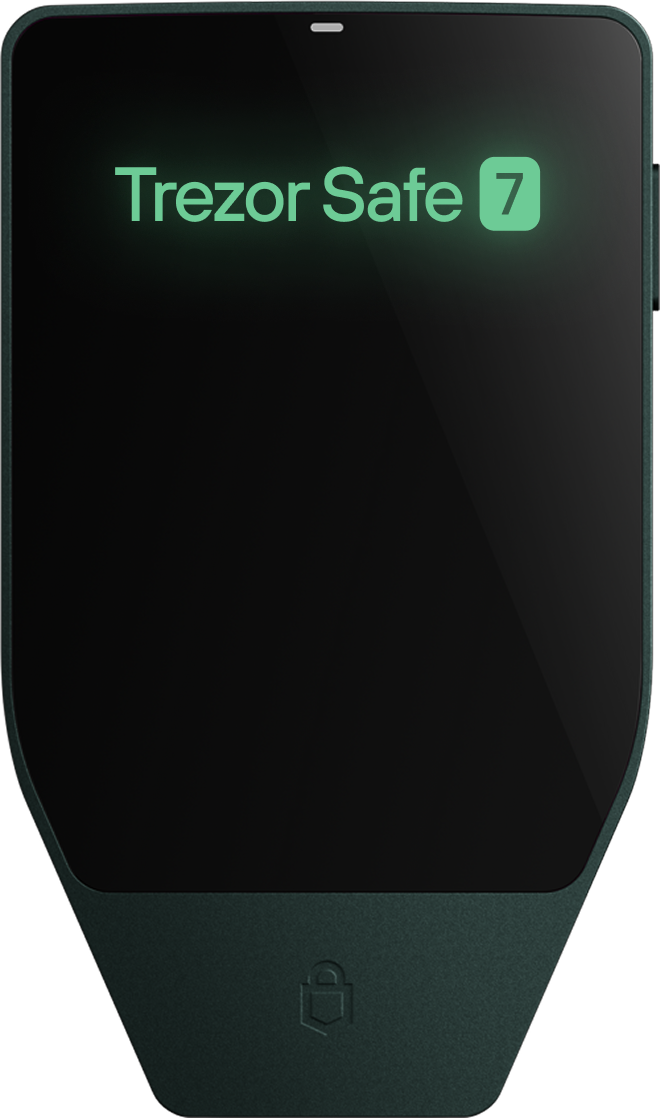
Trezor's current premium model is also available as a dedicated Bitcoin-only firmware edition: same hardware as the standard Safe 7—large colour touchscreen, open-source software, a secure element plus a security microcontroller, encrypted Bluetooth, USB-C, wireless charging—with altcoin functionality removed entirely.
Bitkey is Block's Bitcoin-only wallet: a hardware key, a mobile app, and a Block-held recovery key form a 2-of-3 multisignature wallet by design—no single key can move funds alone. The hardware key has an OLED display, a fingerprint sensor, connects via NFC, and charges over USB-C. Firmware, app, server code, and hardware schematics are published on GitHub under the Commons Clause license, though the firmware cannot be independently rebuilt end-to-end because it depends on a proprietary third-party fingerprint-matching library Block cannot redistribute.
The BitBox02 Bitcoin-only edition combines open-source firmware with a secure dual-chip design, a compact OLED display, touch sliders, USB-C, and a fast microSD backup workflow. The Bitcoin-only firmware edition is locked at the factory and cannot be switched to multi-asset firmware.
Jade Plus is a Bitcoin and Liquid signer with a larger display, camera, physical controls, QR signing, USB-C, Bluetooth, and SD card support. Its hardware and firmware are open source, and its security architecture uses Blockstream's virtual secure element approach.
COLDCARD Q and Mk5 are Bitcoin-only signers with dual secure elements from different vendors, publicly reviewable and reproducible firmware, and some of the deepest transaction-policy controls available on a consumer signer, while still working for someone building their first air-gapped setup.
Passport Prime is Foundation's current device, and it is a significant change of direction from the earlier Bitcoin-only Passport. It keeps the open-source approach, the camera for QR-based air-gapped signing, and SeedQR import and export, but it is now a multi-purpose security device: alongside the Bitcoin wallet, its KeyOS firmware also handles 2FA codes, FIDO security keys, and encrypted file storage. It pairs a security processor with a secure element, adds QuantumLink Bluetooth and NFC backup Keycards, and drops the microSD slot the older model used.
SeedSigner is open-source, Bitcoin-only firmware that you build yourself from off-the-shelf parts—typically a Raspberry Pi Zero, a camera module, and a small screen—into a fully air-gapped, QR-code-based signer. It has no secure element and, by design, does not persist your seed on the device: you re-enter it each session from words, dice rolls, or a SeedQR.
Krux is open-source, Bitcoin-only firmware that turns off-the-shelf Kendryte K210 devices—such as the Yahboom K210 module or M5StickV—into air-gapped signers using QR codes or an SD card. It has no secure element; protection relies on encryption. Krux was built amnesic-first—by default it holds nothing between sessions and you load your key each time—with optional encrypted storage on the device or an SD card if you want persistence.
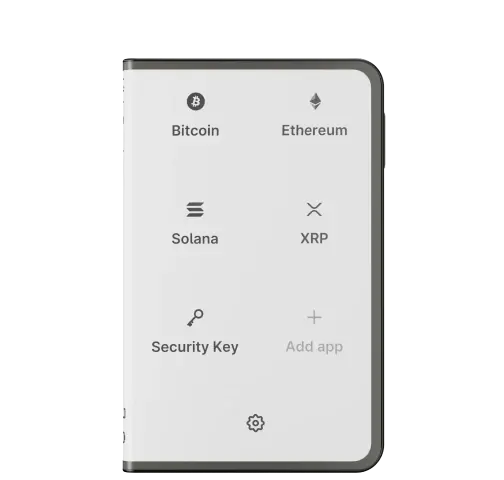
Ledger's current lineup (Nano S Plus, Nano X, Flex, Stax, and the touchscreen Nano Gen5) pairs a certified secure element—EAL5+ on the older Nano models, EAL6+ on the newer touchscreen devices—with the Ledger Live companion app. The individual apps you install are open source, but the underlying secure element operating system, BOLOS, is closed source, so the core security boundary can't be independently reviewed the way a fully open design can. Devices are multi-asset by default rather than shipping a dedicated Bitcoin-only firmware edition.
Product details checked against COLDCARD, Trezor, Krux, Blockstream, Bitkey, BitBox, SeedSigner, Foundation, Ledger. Features, availability, and pricing can change. Links checked August 6, 2026.