Hardware

Blockstream Jade: first-time setup

Jade protects your PIN differently from every other device on this site, and that choice shapes your backup plan. Understand it first, then set the thing up.

Beginner About 35 minutes Updated Aug 17, 2026

Jade is open source down to the hardware, inexpensive, and capable of fully air-gapped signing over QR codes. It is one of the easiest recommendations on this site. It also does one thing so differently from every other device here that setting it up without understanding it first is how people end up surprised later.

That thing is the PIN. On most hardware wallets a dedicated secure element chip stores your key and counts failed attempts. Jade takes a different route, and the consequence is a design decision you make during setup rather than a detail you can ignore.
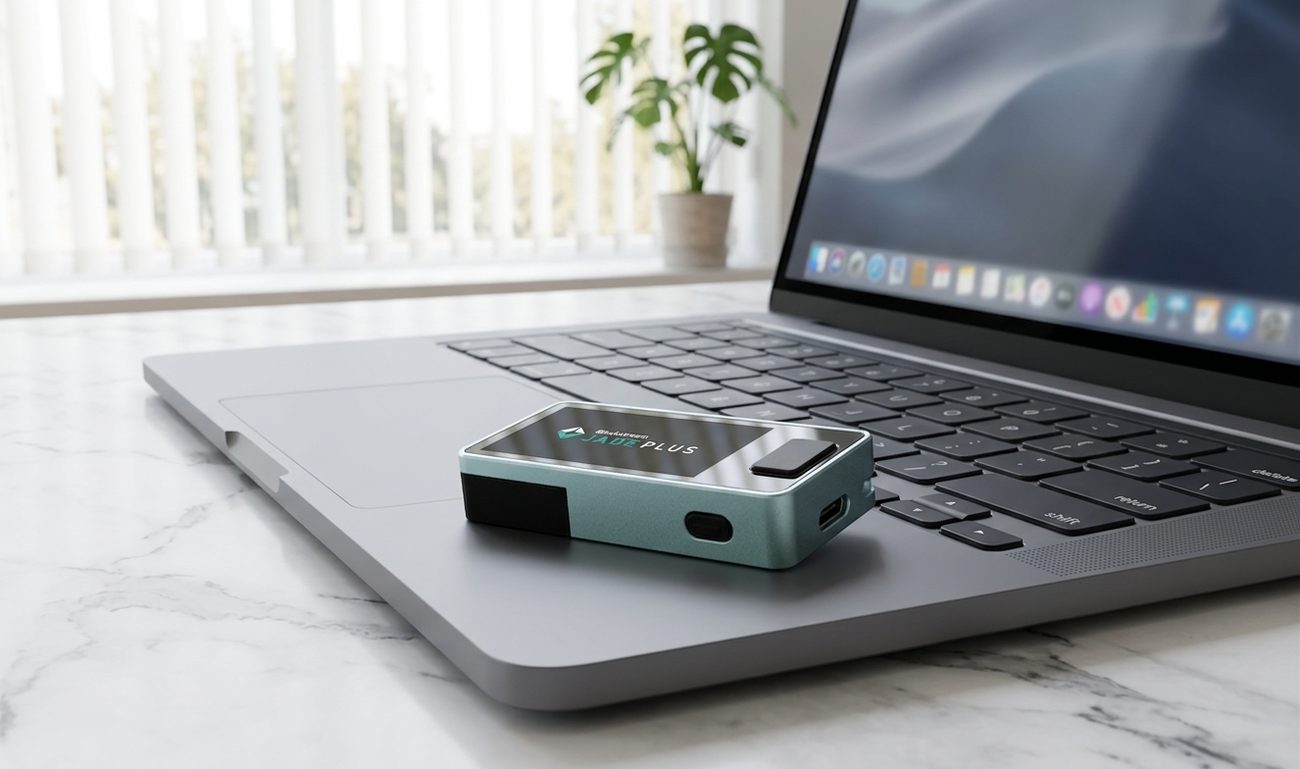
A Blockstream Jade Plus held up with its camera facing a laptop screen displaying a QR code, mid-scan.

Image to come

The camera is the reason to buy this device. Signing without ever plugging it in is the default, not a workaround.

Before you start

  • A Jade, unopened, bought from Blockstream or an authorised reseller.
  • The companion app or your chosen wallet software — Sparrow, Nunchuk, and Specter all support it.
  • A pen and a backup card or metal plate.
  • An uninterrupted half hour somewhere private.
  • No bitcoin. Move none until the checks at the end pass.

1Check the packaging and run the genuine check

Inspect the packaging for cuts, re-glued seams, or a second seal laid over the first, and the case for scratches around the seam. Then run the genuine check offered by the companion app, which asks the device to prove cryptographically that it is real Blockstream hardware.

  • A device that arrives already set up, already holding a wallet, or supplied with a printed recovery phrase is compromised. Stop and contact the vendor.
  • Install firmware only through the official app or Blockstream's own instructions.

2How the PIN actually works

Jade has no dedicated secure element chip. Instead it uses what Blockstream calls a virtual secure element: your seed is stored encrypted on the device, and the key needed to decrypt it is not held entirely on the device either. Part of it lives on a server — Blockstream's, by default.

When you enter your PIN, the device talks to that server to complete the unlock. The server is what enforces the limit on wrong attempts, doing the job a secure element chip does elsewhere.

Two things follow, and neither is hidden or sinister — but both are yours to plan around:

  • Unlocking normally needs connectivity. Not to sign, and not to hold your keys — to unlock. A device that cannot reach the server cannot be unlocked in the usual way.
  • The server cannot spend your bitcoin. It holds a fragment used in decryption, not your key, and not your recovery words. It cannot reconstruct your wallet and neither can anyone who compromises it.

This is a trade, not a flaw

It removes the closed, unauditable chip that other devices depend on, which is exactly what lets Jade be open source all the way down. In exchange, ordinary unlocking involves a service. Whether that is a good trade depends on what you are optimising for — auditability or independence — and the next section covers what to do if you want both.

3Choose how you want to run it

Decide this now, because it determines what your backup has to cover.

Convenient

Default

How it works
Seed stored on the device; PIN unlock completed through Blockstream's server.
Good fit
Most people. The server assists with unlocking but cannot spend your coins.
Independent

Your own server

How it works
The same design, but you run the open-source unlock service yourself.
Good fit
People who want the architecture without the external dependency.
Stateless

No stored seed

How it works
Enter the recovery words to sign; the device forgets them afterwards.
Good fit
Air-gapped users who want a stolen device to contain nothing useful.

The third mode changes the shape of your risk entirely. A Jade holding no seed is just electronics — losing it costs you the hardware and nothing else. The cost is that every signing session starts with entering your words, which is slower and puts them in front of you far more often. That is a real trade-off in both directions, and it only works if your backup is somewhere you can reach routinely.

4Create the wallet and write the words down

Choose to create a new wallet rather than restoring one. The device generates the words and shows them on its own screen.

  • Write the words in order, by hand, on paper or metal.
  • Complete the confirmation step the device runs afterwards.
  • Store the backup away from the device.
  • If you plan to run without a stored seed, your backup is not an emergency document — it is something you will handle regularly. Store it accordingly.
  • Never photograph the words or type them into a computer or phone.
  • Nobody legitimate will ever ask for them — not Blockstream, not support, not a wallet-validation page.

5Set up QR signing, which is the reason to own this

Jade Plus has a camera and a screen large enough to display QR codes back. That means the whole signing loop can happen without the device ever being connected to anything: your wallet software shows an unsigned transaction as a QR code, Jade reads it, you approve on the device, and Jade displays the signature as a QR code for the computer to read back.

No cable, no Bluetooth, no shared bus. Whatever is wrong with your computer stays on your computer.

  • Pair Jade with Sparrow, Nunchuk, or Specter using the QR or camera option rather than USB.
  • Export the wallet's public keys by QR so the software can watch the wallet without ever touching a key.
  • Run one full transaction this way before relying on it — scan out, approve, scan back, broadcast.
  • Keep using the QR path even when a cable would be quicker. An air gap you bypass when convenient is not an air gap.

6Turn off what you are not using

Jade offers Bluetooth and USB alongside the camera. If you have set up QR signing, you do not need the radio, and a capability you never use should not be switched on.

This is not a claim that Bluetooth on this device is broken. It is the ordinary principle that a signer's job is to be boring, and every enabled interface is one more thing that has to be correct.

7Verify an address, then check the backup

  • Generate a receive address and display it on the Jade screen. Compare the whole string against what the computer shows.
  • Send a small test amount, confirm it arrives, and send it back out.
  • Restore your words onto wiped hardware, or into a temporary session, and confirm the same wallet appears.
  • Do all of this before the wallet holds anything you would miss.

What this means for your backup plan

Because Jade's unlock design is unusual, it is worth being explicit about what your recovery words do and do not depend on.

  • Your words are a complete backup. They restore your wallet on any compatible device or software, with no involvement from Blockstream, any server, or your original Jade.
  • The server is not part of your backup. It participates in unlocking a particular device, not in owning the wallet. If it vanished permanently your bitcoin would be entirely recoverable from your words.
  • The PIN is not a backup either. It protects the device against someone holding it. Losing the PIN costs you the device's convenience, not the wallet.
  • Multisig changes the picture. If this Jade is one key in a multisig, you also need the wallet configuration backed up. Words alone will not rebuild it.

Before you fund it properly

Run the drill in test your recovery. It matters on every device and slightly more here, because Jade offers several ways to operate and you want to have proven the one you actually chose.

Modes, menu wording, and hardware revisions change between releases. Confirm the current setup flow and the details of the PIN design against Blockstream's own documentation before following any step here that does not match what your device shows.

Do not guess

Stuck on a step?

If the screen in front of you does not match the guide, stop. Review the related walkthroughs or get a second set of eyes before exposing recovery words or approving a transaction.